
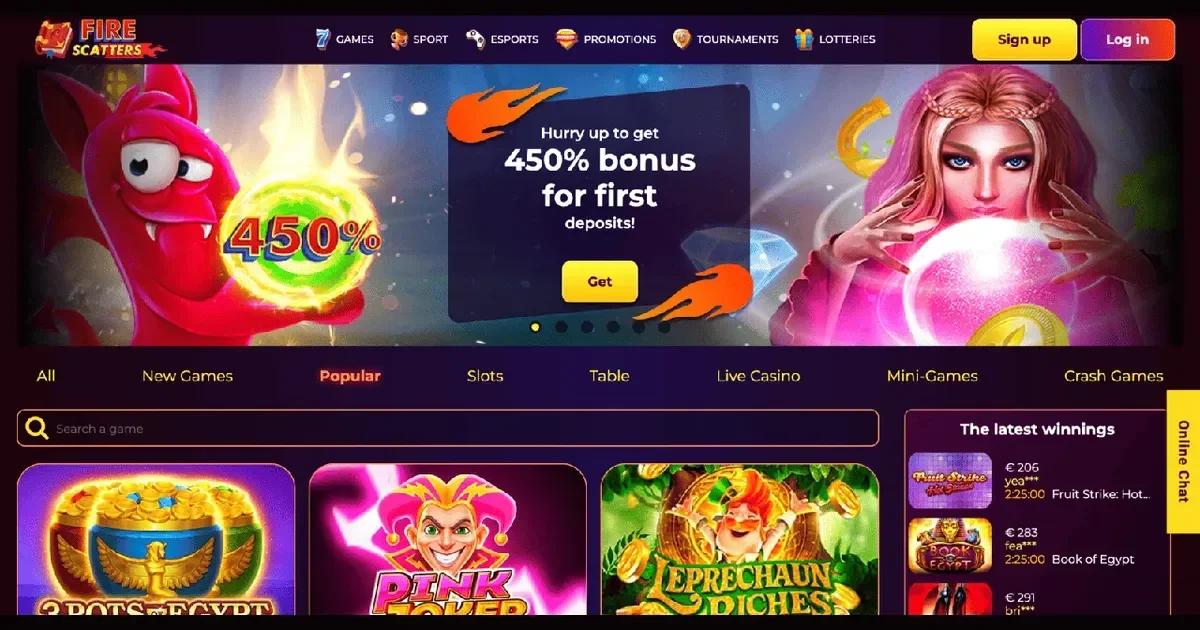
Your Firescatters account lives at the operator's own site, and only the operator can restore, verify or unblock it. This page explains how signing in works, what to do when it fails, and where to find help.
Signing in at this operator
The sign-in route takes three steps, each completed on the operator's own site:
- Open the Firescatters site in your browser – type the address or use a bookmark you saved yourself.
- Find and click the operator's sign-in button.
- Enter the email address and password you chose when you registered, then confirm.
If you don't have an account yet, registration happens at the operator too – this portal does not create accounts.
What you need to hand
Two pieces of information unlock your account: the email address you gave at registration, and the password you set at that time. The operator does not accept a username or a phone number in place of the email – the address is the account identifier, and it must match exactly.
Passwords are case-sensitive. A space at the start or end, or caps lock left on, will stop the sign-in from working even when every character is otherwise correct.
The recovery path
When the password is forgotten, the operator emails a reset link to the address on the account. Look for a "Forgot password" or "Reset password" link near the sign-in form, click it, enter your registration email, and check your inbox within a few minutes.
If the email address you used at registration is no longer reachable – closed, forgotten, or no longer yours – contact Firescatters support directly with proof of identity. The operator can update the address on file once your documents are verified, but the process takes longer than an automated reset.
Never follow a reset link sent to you unprompted, and never click a link in a message claiming your account is at risk. The operator sends reset emails only after you request one, and only to the address already on the account.
When it does not work
Sign-in fails for a handful of reasons, most of them fixable in minutes:
- Wrong email or password. Re-type both carefully – passwords are case-sensitive, and an extra space counts as a character. If you're unsure, request a password reset rather than guessing.
- Unverified account. Withdrawals above €1,000 require an identification procedure before the account is fully active. Upload a copy or digital photo of a passport or ID card, and a utility bill to confirm your address. If you deposited via plastic card, copies of the front and back must be provided, with the first six and last four digits visible and CVV2 hidden.
- Browser session expired. Clear your browser's cache and cookies for the operator's site, then try again. On a shared or public device, always sign out when you're done – leaving a session open can block the next sign-in attempt.
- Regional restriction. The operator does not accept players from the United States, Spain, Ukraine, France, Georgia, the Netherlands, or Italy. A block here is permanent and cannot be appealed through this portal.
- Self-exclusion in force. Players can request a self-exclusion via support, which is valid for 30 days from the blocking date. Signing in is not possible until that period ends – and getting around it is not something we explain or endorse.
Reaching your account from a phone
The Firescatters site works in a mobile browser – Safari, Chrome, Firefox or Edge – without an app to install. Open the site, tap the sign-in button, and enter the same email and password you use on desktop. Your account, balance and game history are identical across devices.
The operator has not published details of a dedicated mobile app, so the browser route is the one we can describe with confidence.
Account restrictions
An account that signs in successfully but cannot place bets or request a withdrawal is usually held for one of these reasons:
| Cause | What happens |
|---|---|
| Verification pending | Withdrawals exceeding €1,000 require an identification procedure. Gaming transactions may be reviewed for up to 72 hours. |
| Suspected violation | The operator reserves the right to conduct investigations for up to 75 days, during which the account's functionality is limited or frozen. |
| Inactive account | If an account is not logged into for 180 days, it is considered inactive, and a €5 administration fee is deducted monthly until the balance reaches zero. |
| Self-exclusion | Valid for 30 days from the blocking date. The account cannot be reopened before that period ends. |
When a restriction applies, the operator's support team can explain what is needed to lift it – this portal cannot.
Who to contact
Account problems – forgotten passwords, verification holds, unexplained blocks – are handled by the operator's own support, not by this portal. Firescatters offers online chat and email ([email protected]), available 24/7.
Before you write, have three things ready: the email address on the account, the approximate time the problem started, and the exact message shown on screen, if any. A request with those details gets a useful reply; one without them gets a list of questions back.
For questions about this portal's content, write to [email protected] – we respond within 48 hours.
Keeping access safe
Sign in only on the operator's own address, typed into the browser or reached through a bookmark you saved. Never follow a link in an email or a message, even one that looks like it came from Firescatters – phishing pages are designed to look identical, and they harvest credentials the moment you type them.
Use a password you have not used anywhere else. If another site is breached and your email-and-password pair is published, every account sharing that pair is at risk – including this one.
On a shared device, sign out when you finish. A session left open can be used by the next person to sit down, and "I left it signed in" does not reverse a withdrawal someone else requested.
Responsible gambling
Gambling is entertainment, and signing in should feel like a choice rather than a compulsion. If you find yourself logging in to chase losses, or signing in when you meant to stay away, it may be time to take a break.
Firescatters offers self-exclusion, requested via support and valid for 30 days from the blocking date. During that time the account cannot be reopened, giving you space to step back.
For free, confidential support in the UK:
- National Gambling Helpline: 0808 8020 133 (free, 24/7) – GamCare
- BeGambleAware: begambleaware.org
- GamStop: gamstop.co.uk – free national self-exclusion across all UK-licensed sites
- Blocking software: Gamban and BetBlocker (free, works across devices)
If a device is shared with someone under 18, parental-control software such as Net Nanny or Qustodio can block access to gambling sites entirely.
This site is for players aged 18 and over (18+). If gambling ever stops feeling like entertainment, free and confidential help is available at BeGambleAware.org.